Appearance
Connect Your AI Provider
Add Your API Key
OpenClaw connects to your chosen AI provider using your own API key. This gives you control over your AI model selection and usage.
To connect your AI provider:
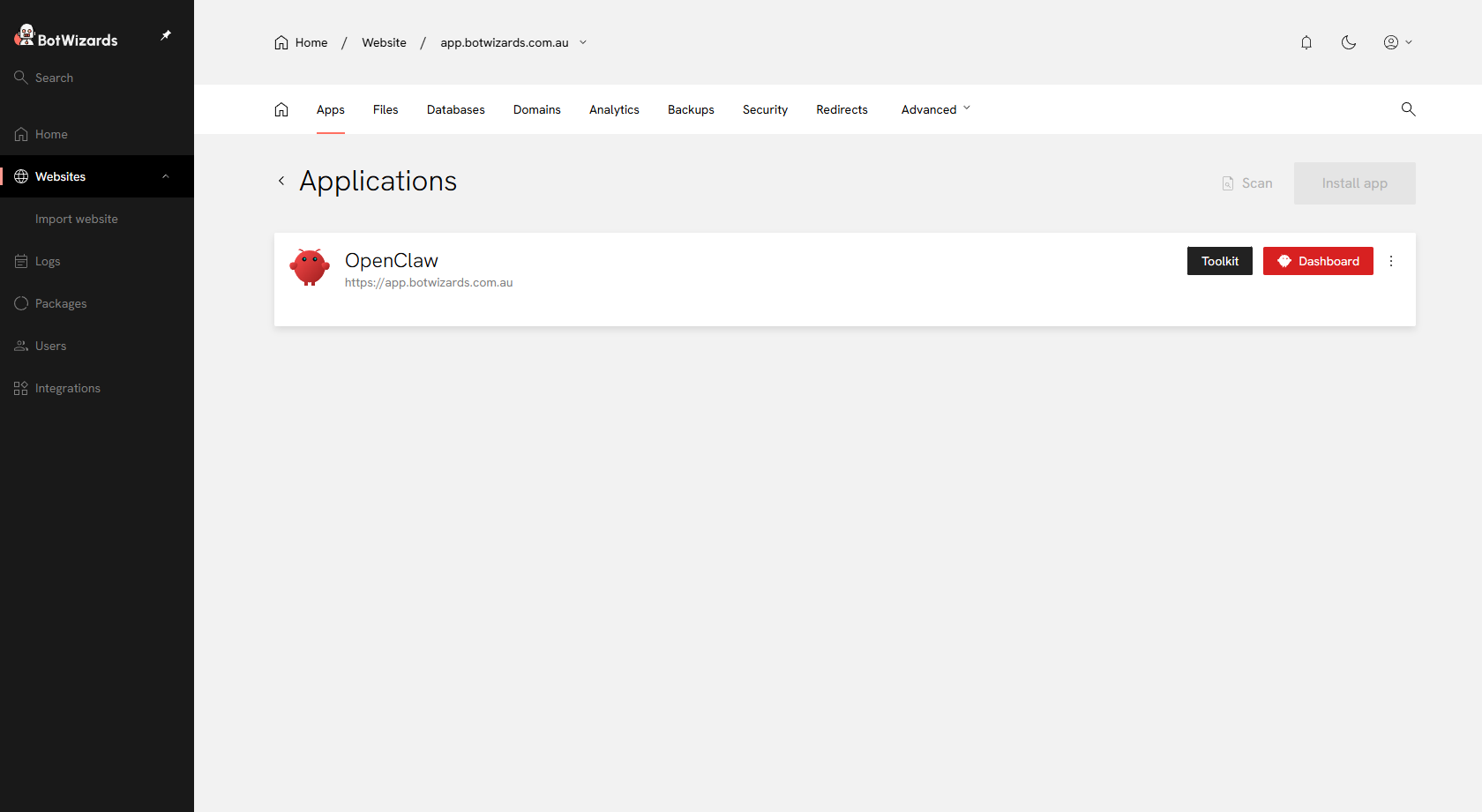
- Click Websites in the left-side menu and select your OpenClaw instance
- Go to the Apps tab
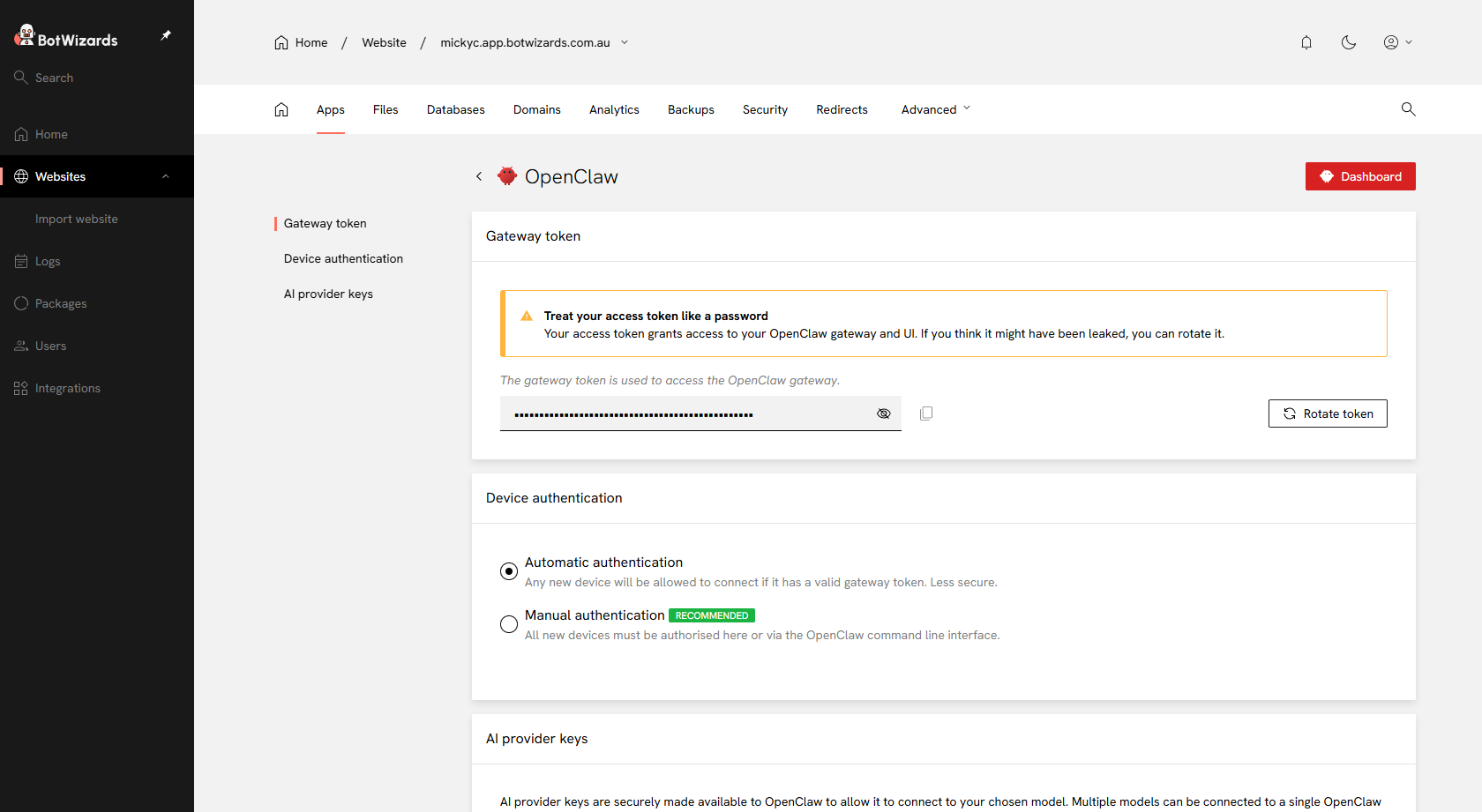
- Click the Toolkit button
- Enter your AI provider API key
We currently support:
- OpenAI
- xAI
- Gemini
- Claude
- OpenRouter